
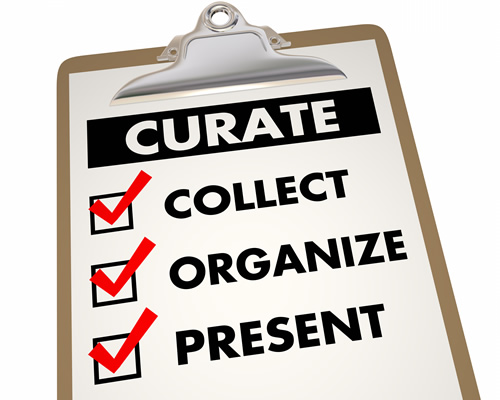
Creating meaningful collections
So where do you start? Consider some of these options to help you construct meaningful resource collections that have value both for you and others.
- Google Sites – Sites can do it all. Video, files, images, links. Create multiple pages. Add collaborators who can also contribute and edit content. This is a fantastic tool for students to use as well.
- Symbaloo – Probably the most simplistic of the many options available, Symbaloo provides a grid that you can customize with web links. Symbaloo is best described as a visually based collection of bookmarks. Group and color code content. Share or embed your Symbaloo for students to access. The biggest downside is the inability to annotate the individual buttons.
- Scrible – Scrible is an app best utilized to curate research resources. Use it to create a library of articles and web pages that can be annotated, organized, and shared. The EDU plan is free for K-12 and offers one-click citations and one-click bibliographies. Additionally, Scrible interfaces neatly with Google, offering a Chrome extension and compatibility with Classroom.
- Wakelet – With the deactivation of Storify, Wakelet is a fantastic resource for curation. Create collections of anything on the web and use it for digital portfolios and digital storytelling. Students 13 and up can create their own accounts and create their own collections and compile research resources. Find out more about getting started with Wakelet in these posts from TCEA and Kathleen Morris. Another strong selling point for Wakelet is its availability across platforms. Use the Android or iOS app, access it on a laptop or Chromebook, and even enable the Chrome or Firefox browser extensions.
- Smore – If you want a visually appealing, more focused tool, consider Smore. It’s more than a digital flyer. Work with pictures, links, and text to create resource lists, toolkits, and more. You can share as a PDF or with a link. It’s an easy way to deliver resources to your teachers and students straight to their inboxes.
- Pinterest – No discussion about curation would be complete without Pinterest. Create digital bulletin boards, select images for and annotate your pins, and follow other boards and users. Use the Chrome extension to make saving web pages even easier. Access Pinterest on any device, and share and receive pins directly with friends. You will find boards and pins for any resource imaginable. Whether you’re looking for display ideas, book promotions and titles, curriculum ideas, technology tips, literacy, makerspace ideas, quotes, digital citizenship resources, or good ol’ nerdy fun, you’ll probably find it and much, much more on Pinterest. [Editor’s note: Check out eSchool News on Pinterest.]
Latest posts by eSchool Media Contributors (see all)
- Helping students discover they belong in science - October 14, 2026
- Year-round K-12 recruitment can win the talent pipeline and retention game - October 13, 2026
- Standardize to sustain: Building a resilient K-12 technology strategy - October 12, 2026