

In the recent move to a BYOL program, more than 500 students in a K-12 independent school used a largely “self-service” program to install and license the Office Suite over a period of a day or two; support from the IT department was minimal and largely consisted of tweaking a few individual’s firewall settings; settings on individual laptops that prevented a student from accessing the licencing web site.
No installation DVDs of software were used anywhere. No license keys were provided to students. No new user names or passwords were needed.
Students had two methods of downloading and installing the Office Suite. Both were simple and effective as they used the Office Click to run technology.
Simplified installation and updates
The Click to run installation is simplified and requires almost no user intervention, making it ideal for a school environment where students have a range of skill levels. Updates are also done automatically when required to reduce problems, improve security and reduce load on the IT department.
Offsite installation
The “offsite” solution used the Office 365 portal for installation and registration of the software.
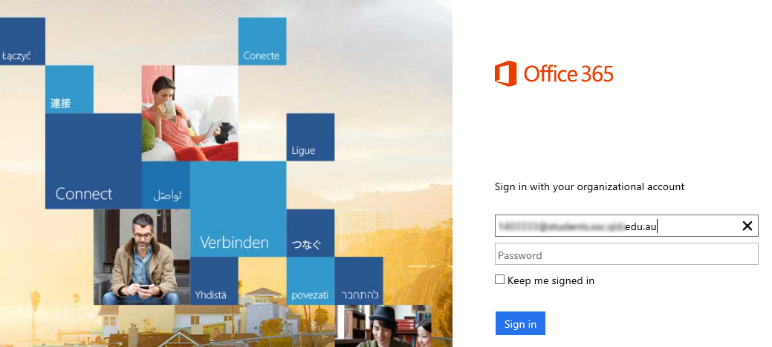
It was a remarkably quick and easy solution, with the main components of the Office Suite installing within minutes and the remaining components installing silently in the background.
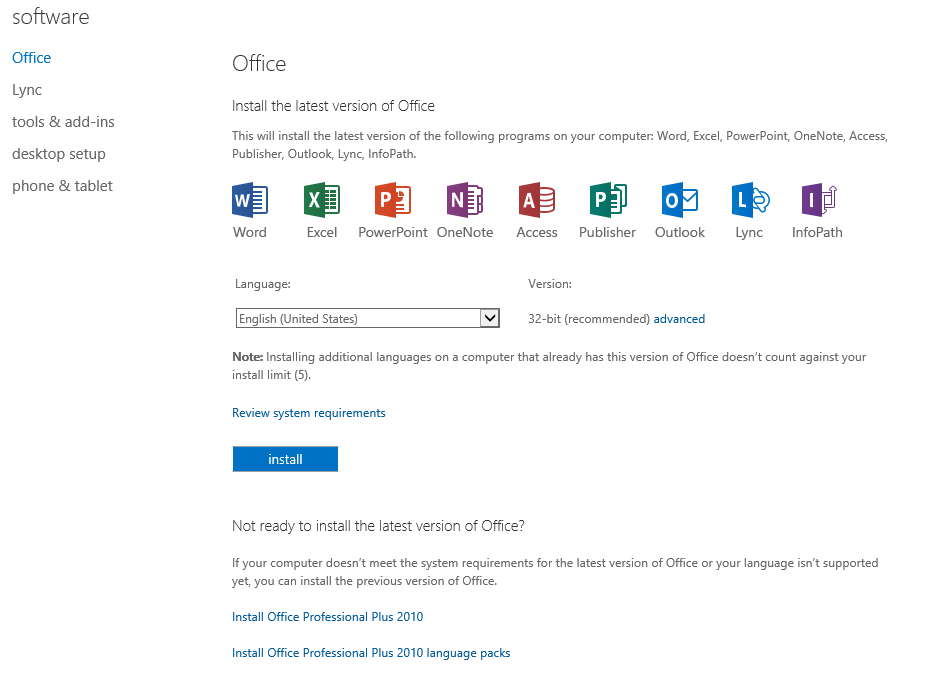
During the installation, if a user wanted to use a component of the suite that was not yet installed, the process was intelligent enough that it would switch to that component, make it “live,” and then return to the background process of installing the remaining components of the product.
- The traditional classroom works so why change it? - February 23, 2017
- Are outdated computers reverting students to a prehistoric era? - November 17, 2016
- Blended learning and the paradox of the experienced teacher - September 30, 2014