
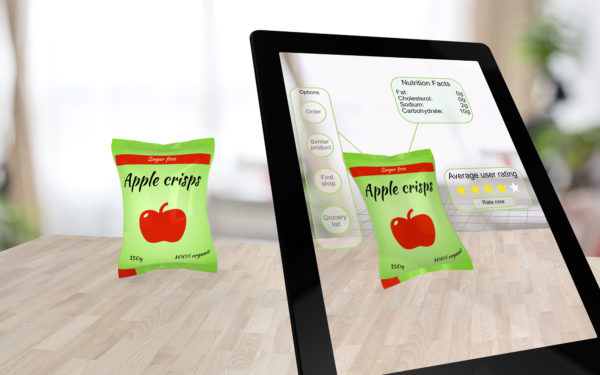
Peterson summarized a list of some of his favorite augmented reality apps. To see a full list of his resources organized by subject, visit his website.
1. Cyberchase 3D Builder: This geometry game is used for learning different geometric shapes.
2. The Brain AR App: Examines the layers of the head from skin, muscle and skull down to the inner areas of the brain.
3. Popar World Map: Explores famous landmarks, various animals, different cultures, and other world features
4. Horrible Hauntings: This companion app for the Horrible Hauntings book brings 10 famous ghosts to life (not suitable for younger students).
5. Amazing Space Journey: Students explore the solar system, sun, planets and satellites in detail. They also observe and learn about the planets’ position and orbit.
6. Anatomy 4D: This app provides an interactive 4D experience of human anatomy.
7. AR Flashcards: Letters are enhanced with animated objects beginning with those letters.
8. Shakespeare’s Globe 360: Students step inside the famous Globe Theatre and learn how it was constructed, what a visit there would have looked like years ago, and learn about theater life in that time.
9. Tour of the Nile: Students learn about the Nile River culture and can explore Egyptian archaeology and artifacts in 3D.
10. Quiver: Children create art, print it at school or at home, and watch it come to life.
11. Lunch Rush: Students use math and critical thinking skills to keep track of sushi in this game-based app.
12. Elements 4D: These augmented reality chemistry blocks come to life, and students can produce different chemical reactions by combining two elements.

- Children learn best on paper: We need better technology, not less of it - July 13, 2026
- In districts, reaching readiness, retention, and success - March 5, 2026
- AI use is on the rise, but is guidance keeping pace? - January 2, 2026